📊 Power BI Mastery: Merging Data, Modeling & Optimizing Analytics
Power BI is a powerful tool for business intelligence, enabling users to merge, model, and analyze data efficiently. In this blog, we explore key concepts, best practices, and expert techniques for transforming raw data into actionable insights. 🚀📊
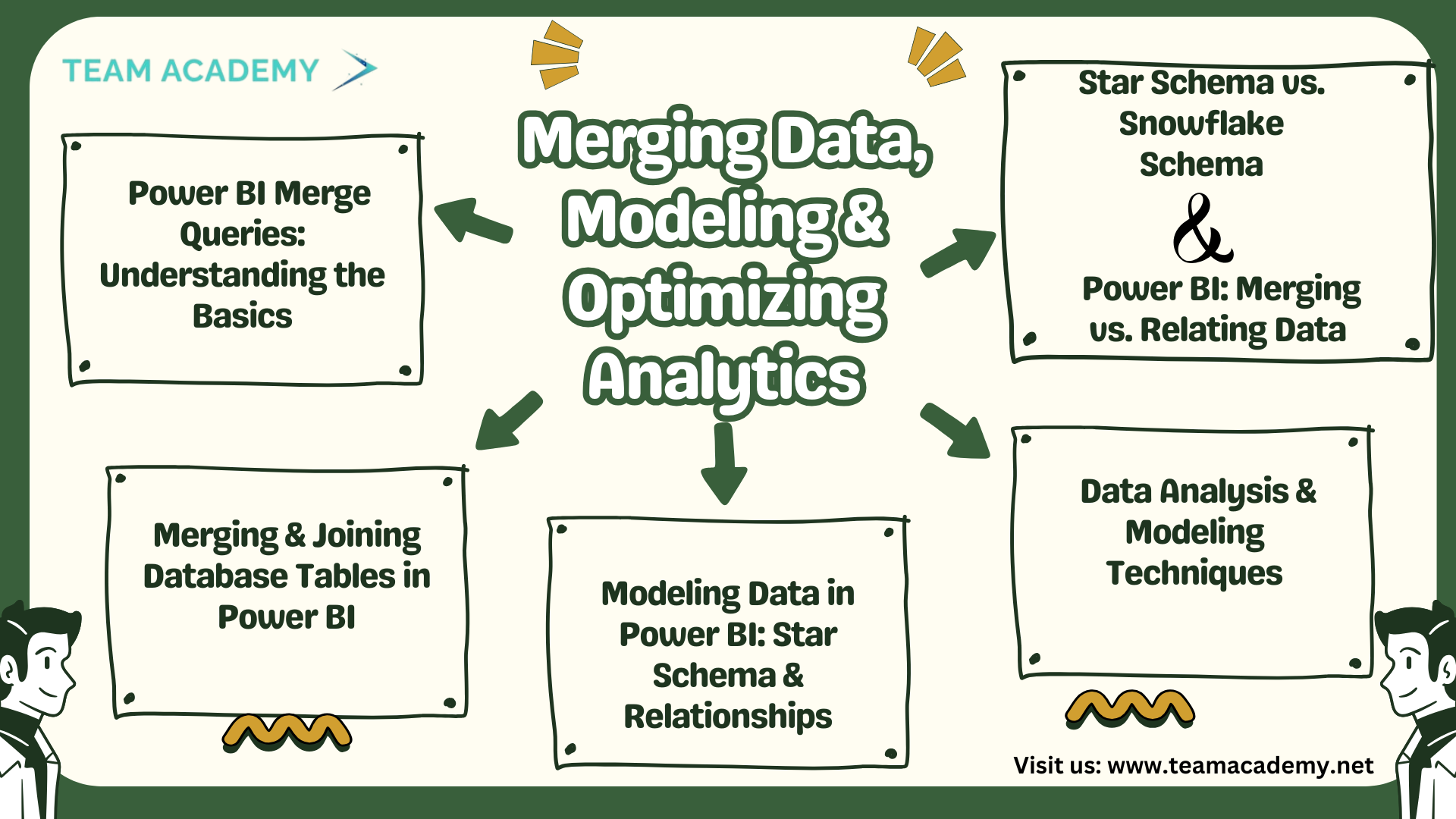
🔗 Power BI Merge Queries: Understanding the Basics
The ability to merge queries in Power BI is essential for effective data transformation. Key takeaways from our latest session include:
✔️ Loading CSV files from case studies for real-world applications
✔️ Differences between loading vs. transforming data
✔️ Managing file paths, access & permissions in Power Query
✔️ Exploring table, row, and column transformations
✔️ Introduction to DAX for advanced calculations
✔️ Demonstrating duplicating vs. referencing queries and their impact
📊 Merging & Joining Database Tables in Power BI
Understanding how tables relate is crucial for creating meaningful reports. We explored:
✔️ Different types of joins: Left Outer, Right Outer, Inner, and Left Anti-Join
✔️ Choosing the right join type for accurate analysis
✔️ Creating custom columns for total price calculations
✔️ The connection between data querying, modeling & visualization
✔️ Why accuracy in merging data impacts downstream reports
⚡ Power BI Data Loading Strategies
Efficiently loading data is key to optimal performance. Best practices include:
✔️ Selective data loading to improve performance
✔️ Disabling data load for certain tables to reduce processing time
✔️ Using fabric data sources for handling large datasets
✔️ Exploring SQL statements for optimized data retrieval
✔️ Understanding different Power BI views: Report, Table, & Model
🌟 Modeling Data in Power BI: Star Schema & Relationships
Data modeling ensures better performance and accuracy. In this session, we covered:
✔️ Understanding table relationships for effective data connections
✔️ The Star Schema model and why it’s recommended by Microsoft
✔️ How dimension tables connect with fact tables for better reporting
✔️ Using unique identifiers for better data accuracy
✔️ Exploring bridge tables for complex relationships
✔️ A practical airline case study illustrating real-world applications
🔍 Data Analysis & Modeling Techniques
Building a strong analytical foundation requires mastering:
✔️ Many-to-One relationships for structured analysis
✔️ Importance of Primary & Foreign Keys in database connectivity
✔️ Asking the right questions to simplify data modeling
✔️ Understanding how data is collected for better decision-making
✔️ Connecting multiple tables for enhanced insights
🔄 Star Schema vs. Snowflake Schema
Optimizing data models ensures better performance. Key learnings include:
✔️ Dimension tables as connectors for normalization
✔️ Difference between Star Schema & Snowflake Schema
✔️ Why Star Schema is preferred for faster queries and scalability
✔️ Using Power Query to convert a Snowflake Schema into a Star Schema
✔️ Best practices for ensuring uniform, optimized data models
📈 Power BI: Merging vs. Relating Data
Understanding when to merge or relate data is crucial for structuring models correctly:
✔️ Merging tables for hierarchical relationships
✔️ Relating independent tables for flexible reporting
✔️ Using Star Schema for efficient data relationships
✔️ Power BI’s limitations with image data and potential workarounds
✔️ Exploring Co-Pilot & Fabric for advanced integration 🔥
✔️ Recognizing Power BI as a business intelligence tool, not an advanced analytics platform
🚀 Key Takeaways & Next Steps
Master data merging & modeling for enhanced Power BI performance
Understand SQL, Power Query & DAX to create more powerful reports
Optimize data relationships using Star Schema best practices
Explore Power BI integrations with advanced tools like Co-Pilot & Fabric
📢 Ready to transform your data analytics skills?
👉 Enroll Now!
🚀Join our free Power BI demo class and start mastering business intelligence today! 🎯