🎯 Data Visualization Like a Pro: Master KPI Cards, Gauges & DAX in Power BI
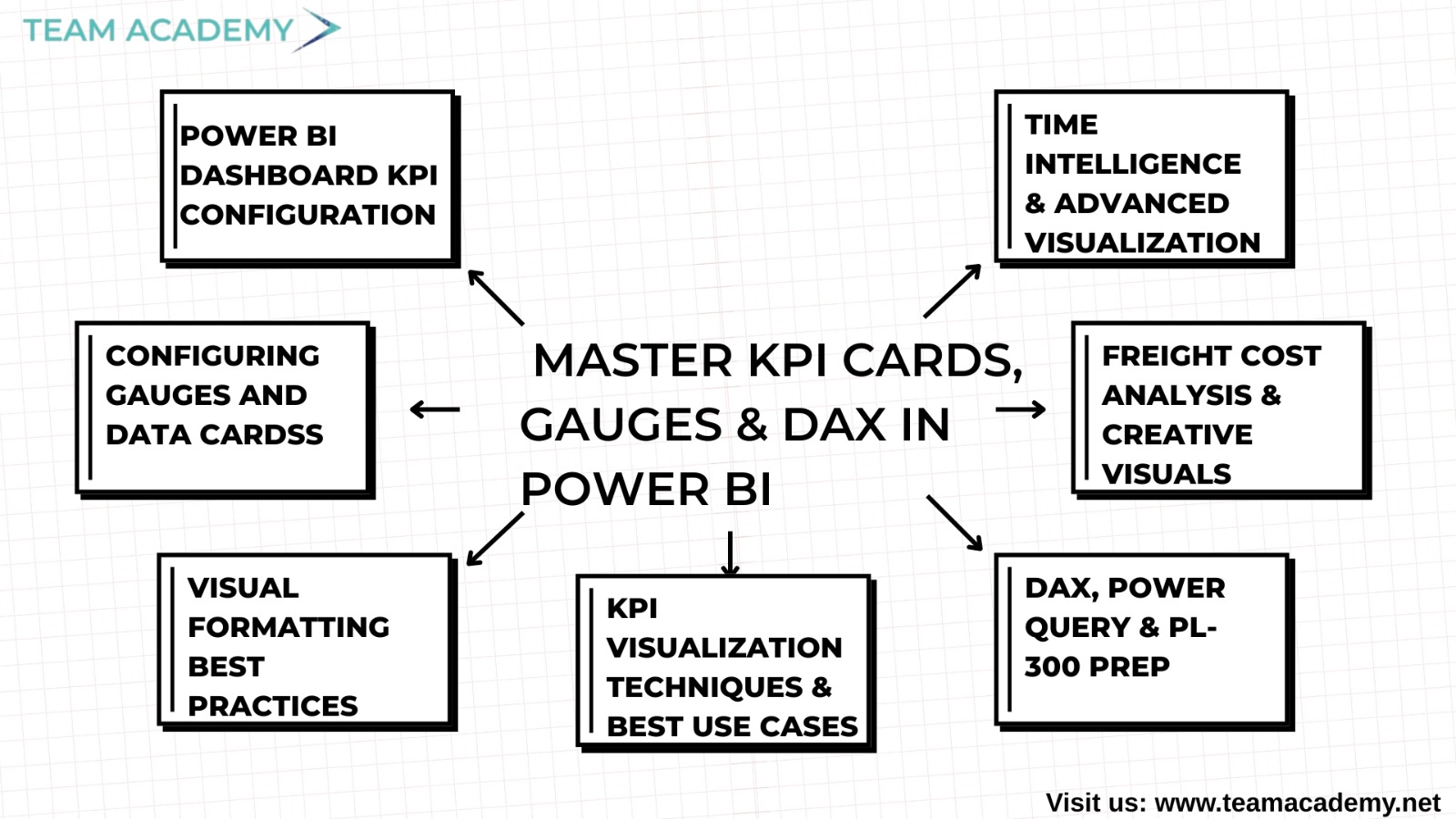
📊 Power BI Dashboard KPI Configuration
This week’s Power BI session was all about building executive-ready dashboards that make data storytelling simple and impactful. The team learned how to create and configure KPI cards and gauge indicators — powerful visuals that bring business performance to life. The session began with an overview of how to duplicate and rename dashboard pages, using the home page as a dynamic template for analyses such as category, customer, product, and geographical insights.
Participants discovered how gauge visuals act like speedometers, helping decision-makers instantly gauge performance levels across various metrics. The instructor encouraged the class to focus on high-level business KPIs and reminded everyone that learning resources are available through LMS and the “DAX with Kerbal” YouTube channel for deeper dives into advanced scenarios.
🎯 Configuring Gauges and Data Cards
The team rolled up their sleeves and practiced creating and formatting gauge visuals and data cards. From setting up measures and defining targets to tweaking minimum and maximum thresholds, everyone got hands-on experience in building meaningful visuals. The class also learned how to insert KPI cards to display vital data points like net sales or quantities using Power BI’s “123” card option.
Although a few participants experienced display issues with target values in their gauges, the team planned to troubleshoot this collaboratively after the session — a perfect example of teamwork in action!
✨ Visual Formatting Best Practices
Attention to detail was the key takeaway as the session moved into visual formatting techniques. Learners explored how to switch from sum to average calculations, convert discount values into percentages, and use multi-row cards for compact, information-rich visuals. The emphasis was clear — good formatting enhances clarity and professionalism.
Whether it was choosing between single-line or multi-row cards or fine-tuning display options like commas, decimals, and percentages, the team learned how small tweaks can make big differences in dashboard readability.
💡 KPI Visualization Techniques & Best Use Cases
Understanding when and why to use different KPI visuals was another major focus. The instructor explained the differences between KPI cards and other visuals, helping learners choose the best representation for trend axes, target comparisons, and progress tracking.
Participants gained confidence in configuring visuals that tell a clear story at a glance — a must-have skill for anyone aspiring to deliver executive-level dashboards.
🧠 DAX, Power Query & PL-300 Prep
The session also ventured into DAX (Data Analysis Expressions) and Power Query — two of Power BI’s most powerful components. Learners explored how DAX enables cross-table calculations and measure creation, while Power Query is ideal for column-level transformations.
As part of their PL-300 certification journey, the instructor recommended consistent dashboard practice, mock exams, and the strategic use of AI tools like ChatGPT or Copilot — with the reminder to use them as learning aids, not crutches.
🚢 Freight Cost Analysis & Creative Visuals
Moving beyond KPIs, the team applied their DAX skills to freight cost analysis, learning to create measures that calculate cost percentages and shipping metrics. They also experimented with fun visualization techniques — including a star rating system — that make data both insightful and visually appealing.
The focus remained on understanding core concepts first and keeping formulas simple yet effective.
📅 Time Intelligence & Advanced Visualization
The final part of the session explored time intelligence in DAX, including basic date calculations and ribbon charts for time-series analysis. Learners practiced applying these visuals to track performance trends over time — a vital skill for any data professional.
To wrap up, the instructor addressed common Power BI interview questions, like handling null values when calculating total headcount. The team also received exciting updates about upcoming special classes on Microsoft Certifications, Fabric, and PowerApps, as well as the conclusion of the academic portion of the course next week.
🌟 Key Takeaways:
✅ Mastered KPI and gauge visualization setup in Power BI
✅ Learned DAX vs. Power Query differences
✅ Practiced formatting and visualization best practices
✅ Explored freight analysis and creative data visuals
✅ Prepared for PL-300 with confidence and strategy
📢 What’s Next?
Get ready for special certification sessions and advanced Power BI insights coming soon! Want to experience the same interactive learning journey?
👉 Enroll in the Power BI Mastery Course
👉 Explore Now