🔍 Power Query Essentials: Preparing Data the Right Way🚀
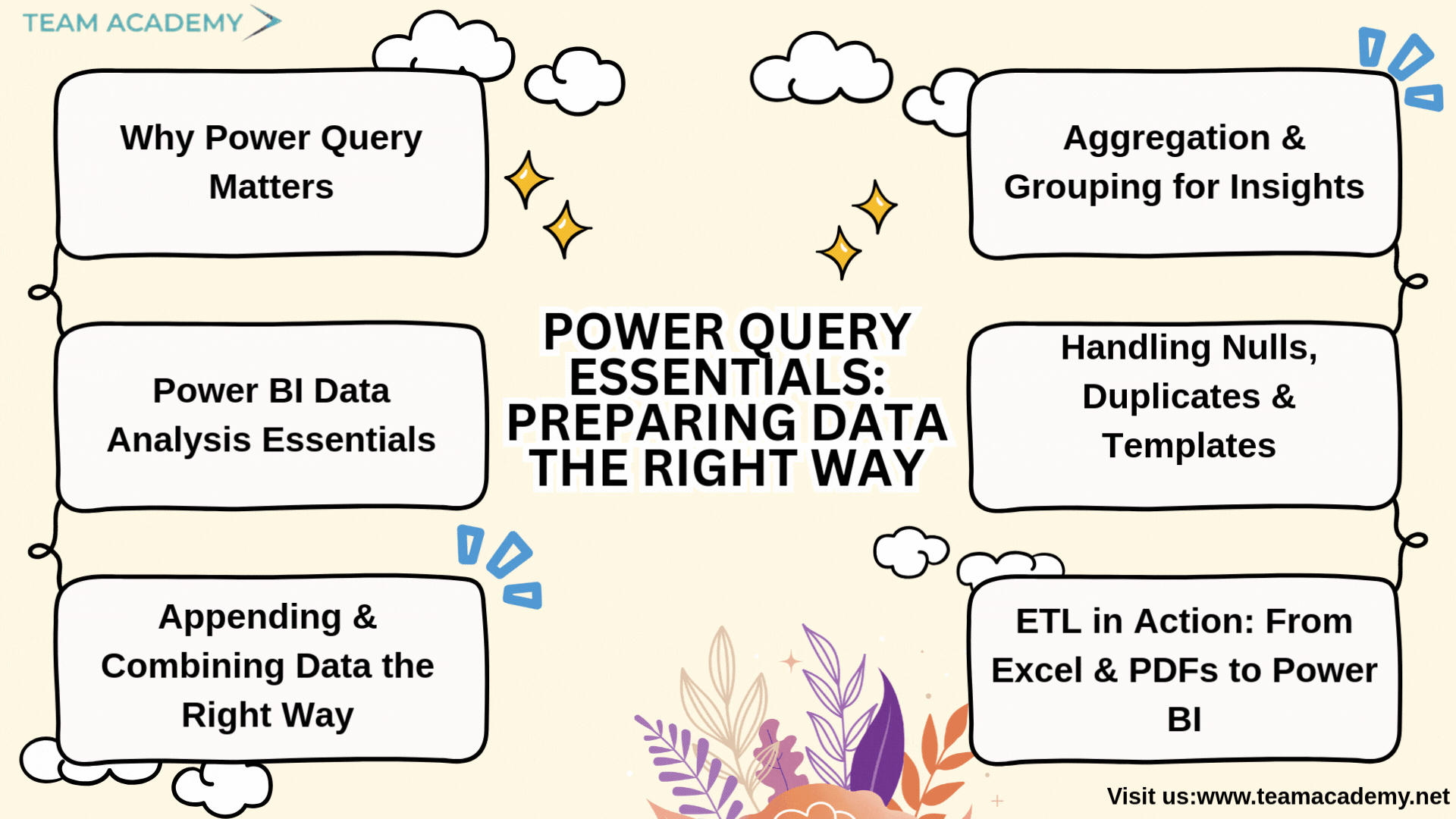
In today’s data-driven organizations, handling information from multiple sources efficiently is a critical skill. This session delivered a deep dive into Power Query and Power BI, focusing on real-world data consolidation, transformation, and validation techniques that can be directly applied in professional environments.
📌 Why Power Query Matters
Power Query plays a vital role in data cleansing, consolidation, and preparation before visualization. Participants learned how to:
Select only required tables and data frames from Excel workbooks
Avoid loading unnecessary data to improve performance
Validate data accuracy regardless of source type
This foundational understanding helps ensure clean, reliable datasets before moving into reporting and analytics.
📊 Power BI Data Analysis Essentials
The session clarified key analytical concepts that are often misunderstood, including:
The difference between distinct vs. unique values
How unique values act as primary keys for relationships
Understanding standard deviation and its role in validating datasets
Participants also resolved common Power BI display issues by learning how to properly enable data and visual views.
🔗 Appending & Combining Data the Right Way
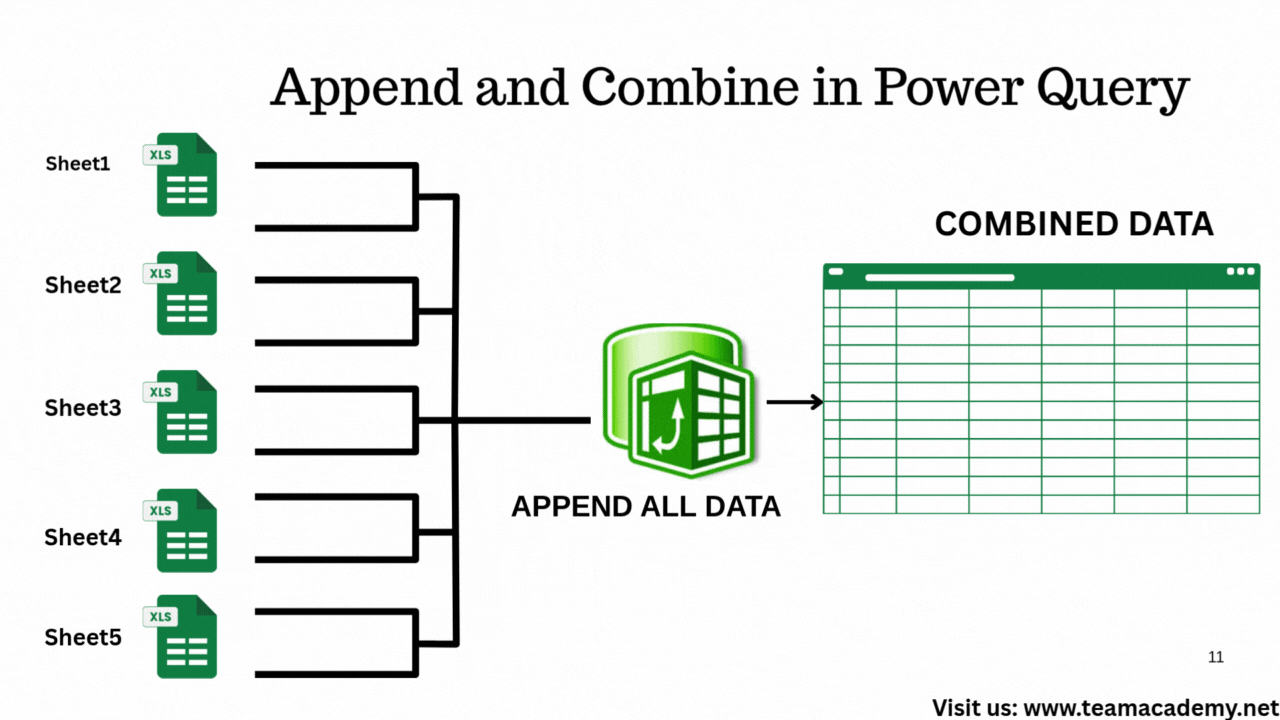
A major focus was on appending queries, especially when working with:
Multiple Excel sheets with identical structures
Year-wise data (e.g., combining 2022 and 2023 datasets)
Using “Append Queries as New”, participants learned how to stack data efficiently while allowing Power BI to manage null values automatically.
🔄 ETL in Action: From Excel & PDFs to Power BI
The class demonstrated practical ETL (Extract, Transform, Load) workflows, including:
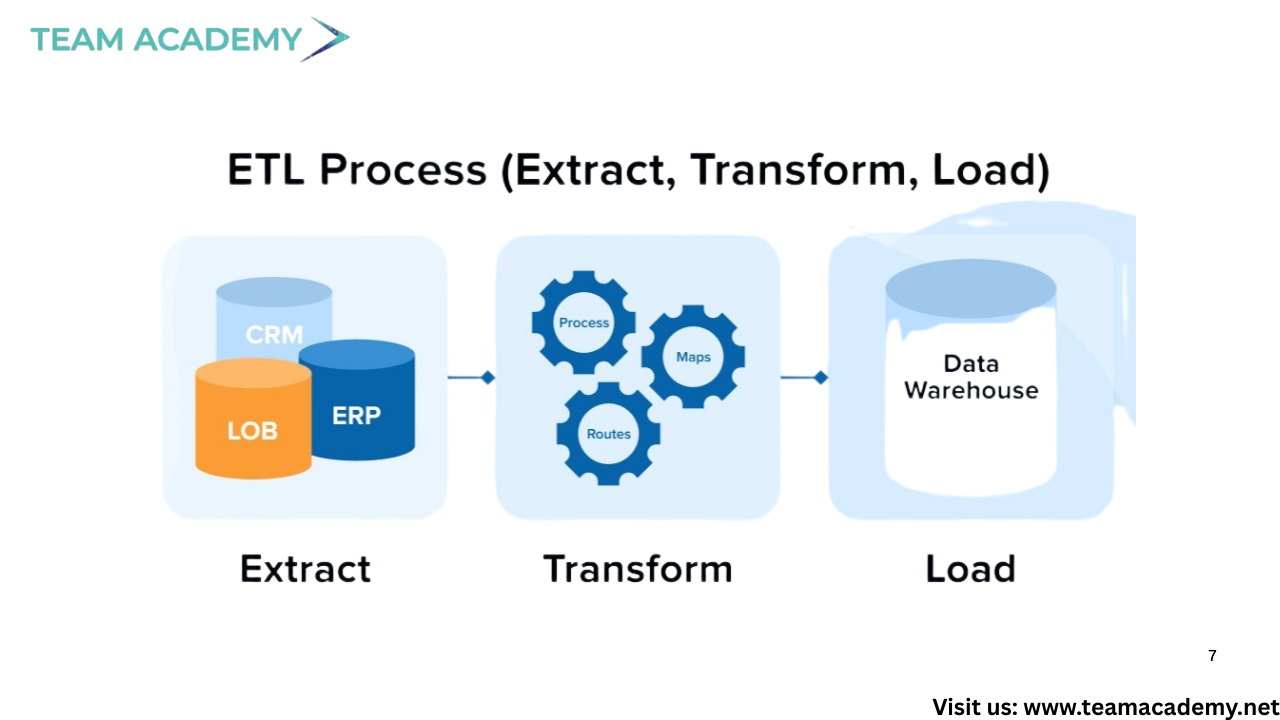
Loading data from Excel workbooks and PDF files
Disabling unnecessary table loads during transformation
Cleaning data before visualization
Special emphasis was placed on understanding error messages and choosing the right approach between transforming folders vs. combining files.
🧹 Handling Nulls, Duplicates & Templates
Participants explored best practices for:
Managing null values effectively
Handling duplicate records
Using templates for consistent data consolidation
Parameterization concepts were also introduced to make transformations more dynamic and reusable.
📈 Aggregation & Grouping for Insights
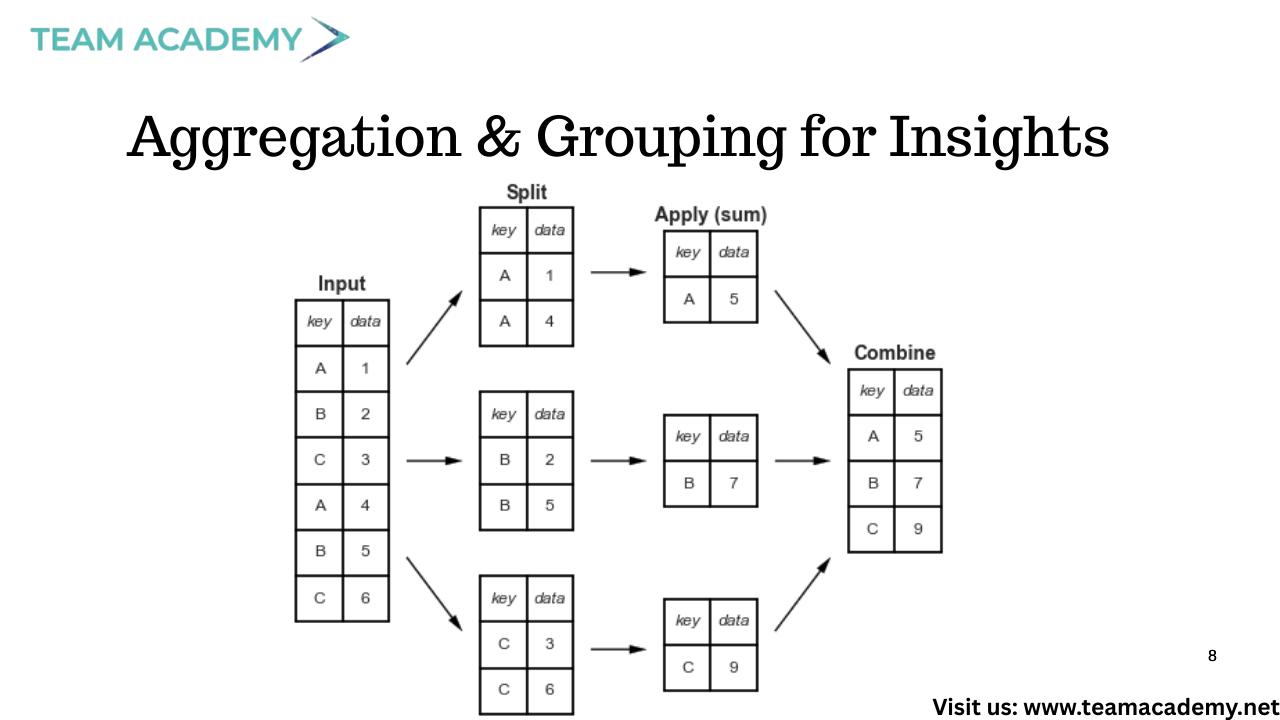
The session concluded with hands-on exercises using grouping and aggregation, such as:
Summarizing working hours
Calculating total activities and repairs
Producing condensed, decision-ready reports
Results were validated directly in Power BI to ensure accuracy and confidence.
🧠 Advanced Tips & Real-World Application
Additional pro tips included:
Combining files from structured folders
Dynamic file filtering by date and type
Optional integrations with Outlook and SharePoint
To reinforce learning, participants were assigned a practical task: identify a real organizational process where append queries and file consolidation can be applied.
🎯 Key Takeaway
Power Query is not just a data preparation tool—it’s a strategic enabler for scalable analytics. Mastering these techniques allows professionals to automate reporting, reduce errors, and unlock meaningful insights across the organization.
📅 Next session will continue building on these skills with advanced transformations and real-world use cases.