Power BI Training and Dataset Management
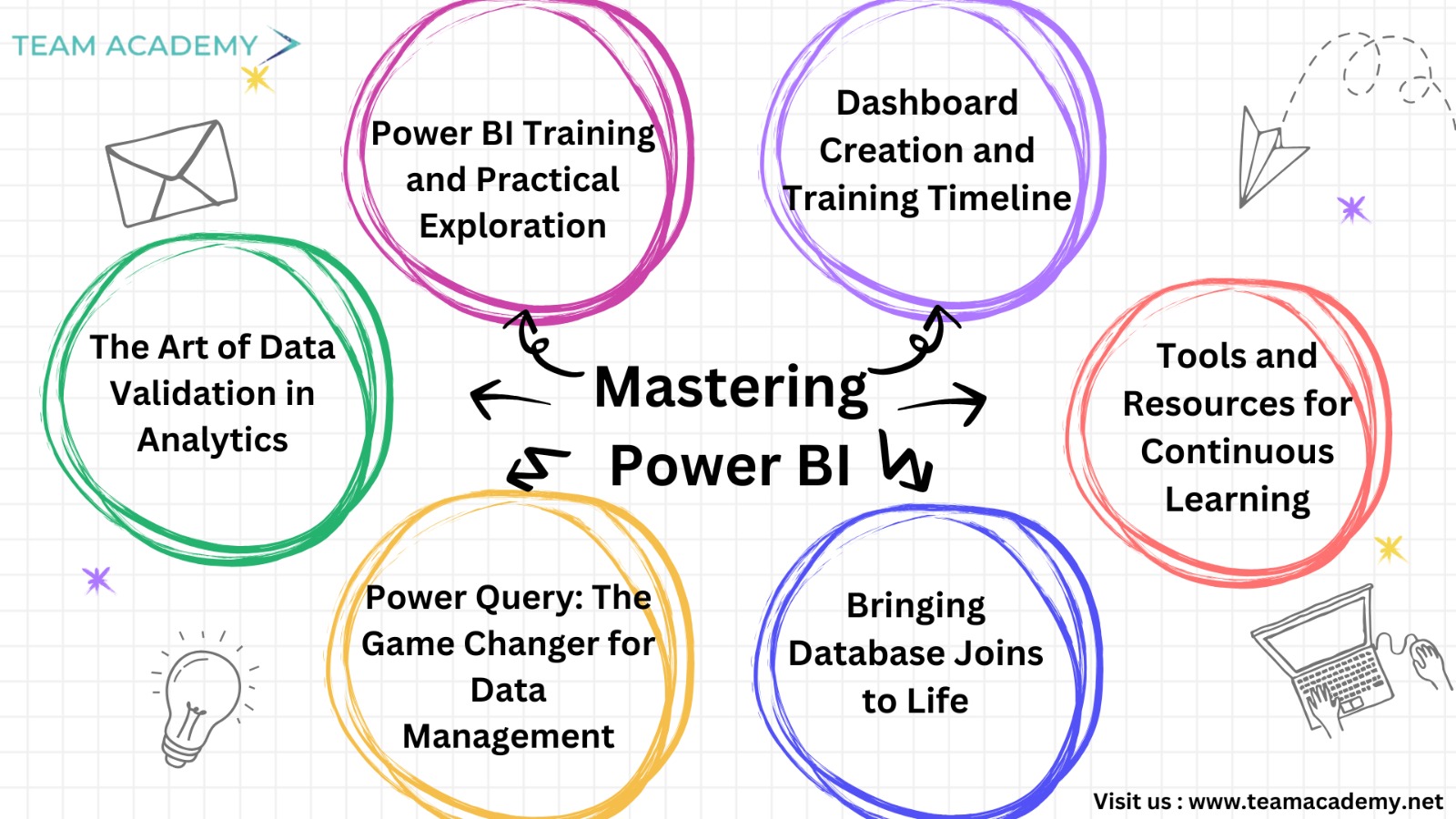
🚀 Mastering Power BI: Key Insights from Team Academy’s Training Session
In a recent training session, participants explored the November 2024 version of Power BI, delving into its advanced capabilities and practical applications. The training focused on key skills such as enabling preview features, managing datasets, and leveraging Power Query for data consolidation and analysis. Here's a recap of the highlights, insights, and actionable takeaways from the session:
👉 Power BI Training and Practical Exploration
Participants learned how to verify their software version and enable preview features, unlocking advanced functionalities. The session emphasized hands-on learning and troubleshooting, encouraging participants to download practice datasets, including Northwind Traders and Power Query Practice, to build their skills.
📌 What’s New?
Step-by-step guidance on software setup and feature exploration.
Hands-on practice with dataset downloads for real-world application.
👉 The Art of Data Validation in Analytics
The training underlined the importance of data validation as a foundational step in analytics. Issues like duplicate entries or misformatted data can derail analyses, making proper validation crucial.
📌 Key Takeaways:
Understand and manage data types (date, text, number) to ensure accuracy.
Distinguish between distinct and unique values to enhance data insights.
Leverage metadata for better organization and analytical depth.
👉 Power Query: The Game Changer for Data Management
Power Query emerged as a powerful tool for automating repetitive tasks like data cleansing and transformation. Participants explored its ability to connect and consolidate multiple files, streamlining reporting processes.
📌 Highlights:
Automate data formatting with "applied steps" in Power BI.
Use append and merge queries to combine rows and columns seamlessly.
Efficiently manage datasets across Excel and cloud platforms.
👉 Bringing Database Joins to Life
To demystify database joins, the session used a relatable analogy: a wedding invitation list. This helped participants visualize concepts like intersections, unions, and exclusions, making it easier to apply these techniques in Power BI.
📌 Simplified Joins Explained:
Left Outer Join: Include all guests from one list.
Right Outer Join: Include all guests from the other list.
Inner Join: Include common guests.
Union: Combine all guests from both lists.
👉 Tools and Resources for Continuous Learning
Participants were introduced to two new resources to enhance their learning journey:
AI Learning Assistant: A chatbot designed to solve Power BI-related queries and offer formula guidance.
Dataset Genie: A tool that generates customized practice datasets based on user preferences.
Both tools will be made available via shared URLs, providing students with ongoing support and practice opportunities.
👉 Dashboard Creation and Training Timeline
The upcoming training schedule includes nine classes focused on creating professional dashboards. With sessions every Sunday and Tuesday, the program aims to be completed by mid-February, aligning with the goal of certification for successful participants.
📌 Preparation Checklist:
Install Power BI and download the necessary datasets.
Access the LMS and recorded video lectures for additional support.
Begin hands-on practice with dashboard creation.
👉 Key Questions to Ponder
How can preview features in Power BI elevate your analytics?
Why is data validation a non-negotiable step in data analysis?
What join type suits your specific data merging needs?
📌 Take Action Today!
Ready to level up your Power BI skills?
Join our free demo class to explore advanced analytics.
Download Power BI and start exploring and start your hands-on journey.
Stay tuned for more updates, and don’t forget to prepare your datasets for the next session. Let’s build dashboards that make an impact!