🔍 Power Query Mastery: Merging & Analyzing Data in Power BI
Data analysts know that merging and transforming data from multiple sources is a critical part of building accurate, actionable reports. In our latest session, the team dove deep into Power Query within Power BI, unlocking new levels of efficiency for data consolidation and automation.
Let’s break down the key techniques we covered and how they supercharge your data workflows.
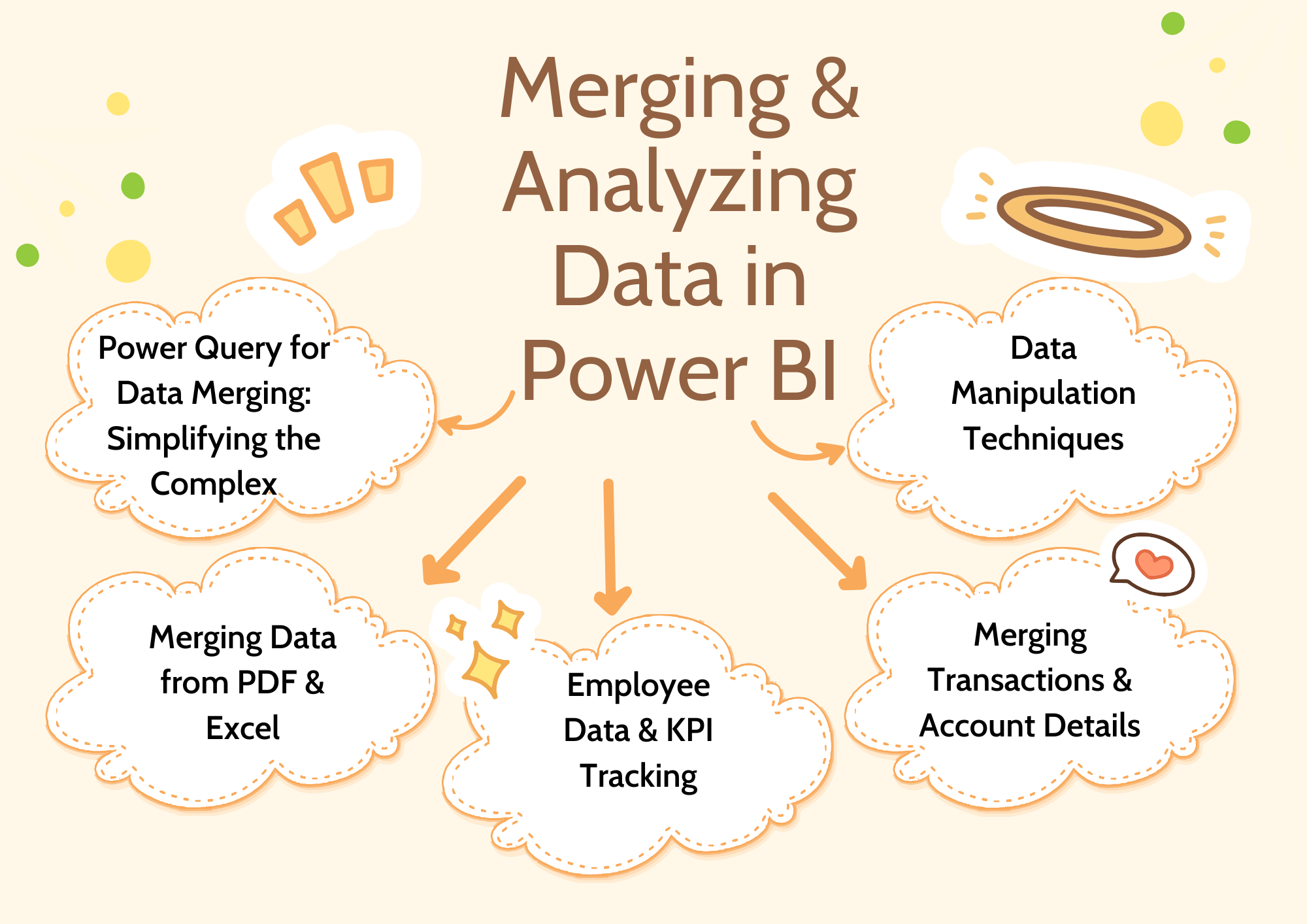
🚀 Power Query for Data Merging: Simplifying the Complex
We kicked things off by loading two Excel sheets containing event data for the 2024 and 2025 expos. The instructor walked through using "Merge Queries as New" with an inner join—the goal? To quickly find common attendees between the two years using the national ID field.
💡 Why this matters: What would take multiple steps (and VLOOKUP headaches) in Excel is streamlined with just a few clicks in Power Query.
We then introduced a real-world case study involving product pricing and tariffs. Here, we loaded CSV files and demonstrated how to merge datasets to apply tariff increases to specific products—showing just how effortlessly Power Query can handle complex, multi-source data merges.
📝 Merging Data from PDF & Excel: Expanding Your Data Horizons
Next, we tackled a powerful scenario: merging data from a PDF and an Excel sheet. Using a left outer join, the team combined tariff and product tables by matching on product names. We then applied tariffs by filtering the data and multiplying unit prices by 1.25 for tariffed items.
⚠️ We encountered a common pitfall—column header issues—but quickly demonstrated how to correct it, highlighting the practical troubleshooting needed in real-world data projects.
📊 Case Study: Employee Data & KPI Tracking
Our case study took a deeper dive into multi-sheet data consolidation. We merged:
Employee information
Attendance records
Sales data
By using left outer joins, aggregation, and calculated fields, we developed productivity metrics that can drive meaningful business decisions. The instructor stressed the importance of designing processes that are scalable and efficient—key to transforming raw data into impactful KPIs.
🌟 Bonus insight: Power BI’s automation and dashboard capabilities mean your reports can auto-refresh, making them always-ready tools for management.
🔗 Merging Transactions & Account Details: Tackling Complex Joins
We also explored a classic finance use case: merging transaction data with account details based on account ID. After merging, we expanded only the needed columns to keep the dataset clean and streamlined.
💬 The instructor noted that this type of join is among the most challenging in Power Query, but mastering it unlocks powerful data consolidation skills that mirror SQL join operations.
🛠️ Data Manipulation Techniques: Power Query in Action
To round out the session, we covered key Power Query tools that make data transformation intuitive:
Splitting columns by delimiters.
Extracting date components (like day and month names).
Creating custom columns and performing in-column calculations.
Using "Columns from Examples" to generate custom transformations without needing formulas.
We also showed how to aggregate data using the "Group By" feature, making it easy to roll up your data for high-level insights.
🔗 Pro tip: These techniques let you bypass complex Excel formulas, making your data processes more reliable and easier to maintain.
✅ Your Next Steps
The session wrapped with guidance on saving your Power BI file and a recommendation to continue learning through self-paced video tutorials available on the Team Academy learning management system.
Feeling inspired to practice?
👉 Course details : Click here
👉 Enroll in Our Power BI & AI Integration Course
🔍 Power Query isn’t just a tool—it’s a game changer for data professionals. Whether you're cleaning messy data, automating reports, or creating interactive dashboards, mastering these skills will put you at the top of your data game.