Subscribe to copilot for your personal account
Copilot for personal use is seamlessly integrated into Microsoft 365 Personal and Family plans.
Copilot Plans & Pricing for Personal Users:
Microsoft currently offers two main personal-use options for Copilot in 2025:
1. Microsoft Copilot Free (Limited Access)
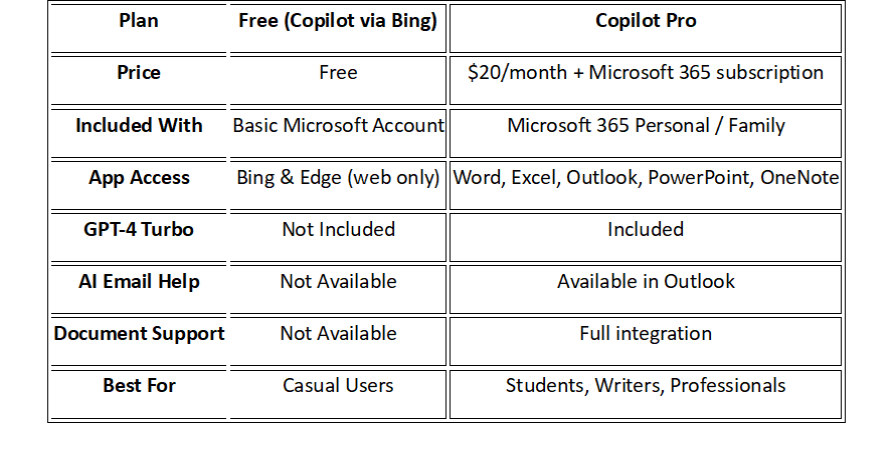
Price: Free
Included with: Any Microsoft account (no Microsoft 365 subscription required)
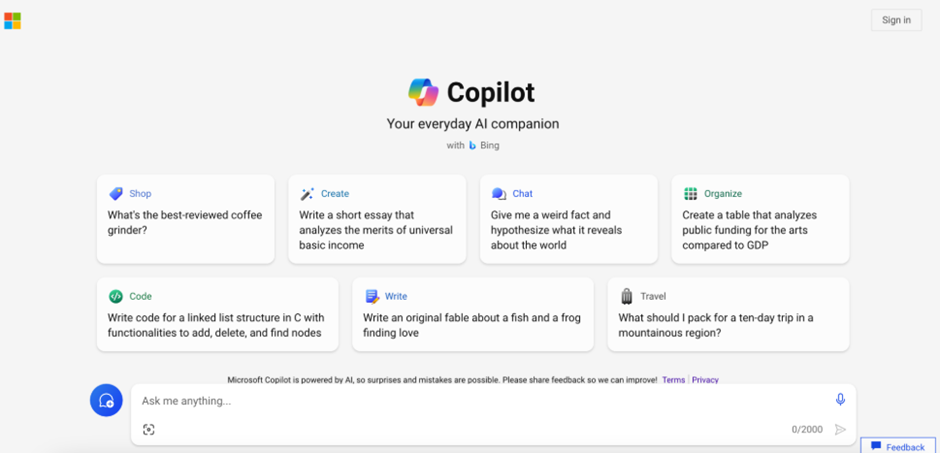
Apps Supported: Web-based Copilot via Bing and Edge only
Key Features:
Ask general questions in Bing Chat or Edge
Summarize websites, generate basic content
No access to Word, Excel, PowerPoint, Outlook, or OneNote
No GPT-4 Turbo or advanced Microsoft 365 integration
Number of Users: 1 (per Microsoft account)
Best For: Casual users exploring AI basics without a subscription
2. Copilot Pro (Full Personal Access)
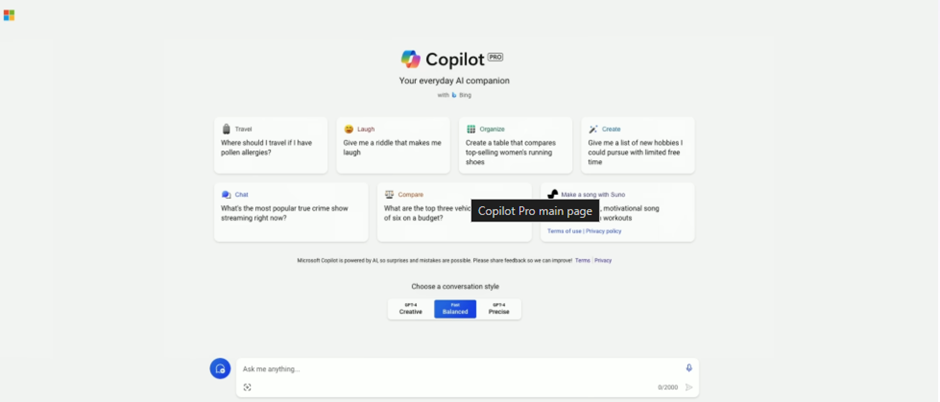
Price: $20/month (add-on to Microsoft 365)
Requires one of the following:
Microsoft 365 Personal: $9.99/month (for 1 user)
Microsoft 365 Family: $12.99/month (for up to 6 users*)
Note: Copilot Pro is licensed per user, even in Family plans
Total Monthly Cost:
Personal Plan: $29.99/month
Family Plan (1 user only): $32.99/month
Copilot Pro Features:
Copilot in Word, Excel, PowerPoint, Outlook, and OneNote
Priority access to GPT-4 Turbo
Content generation, summaries, insights, and writing support
Works across Windows, Mac, iOS, and Android
Use on multiple devices (based on your Microsoft 365 license)
Number of Users:
Personal Plan: 1 user
Family Plan: Up to 6 users, but Copilot Pro must be purchased individually for each user
Best For: Students, freelancers, professionals, and content creators using Microsoft 365 apps regularly
Benefits of Using Copilot for Personal Tasks
Saves Time: Drafts, edits, and organizes content faster.
Boosts Creativity: Helps brainstorm, rewrite, and enhance writing.
Improves Accuracy: Suggests clean formatting, grammar, and summarization.
User-Friendly: Works inside the apps you already know.
Use Case Example: A student using Copilot to summarize research notes into a paper draft in Word, or a parent planning family finances using Copilot in Excel.
How to Get Started:
Step 1: Check the Requirements
Before subscribing, make sure:
You have a Microsoft account (Outlook, Hotmail, Live.com, etc.)
You are using a supported region (Copilot Pro is available in most countries, including India, USA, UAE, etc.)
You’re using Windows 11, Windows 10, or macOS, and have Microsoft 365 apps (Word, Excel, PowerPoint, Outlook) installed.
You want to use advanced AI in Microsoft 365 apps (Word, Excel, etc.), plus priority access to GPT-4 and GPT-4 Turbo.
Step 2: Visit the Copilot Pro Subscription Page
· Go to the official Microsoft Copilot Pro subscription page:
https://copilot.microsoft.com/pro

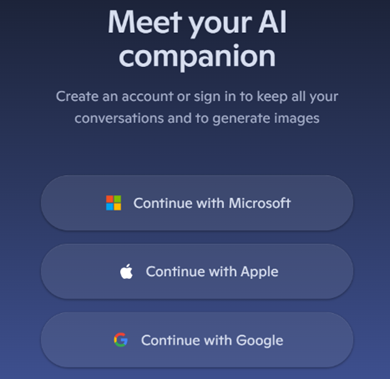
Step 3: Sign In with Your Microsoft Account
Click on “Sign In” (top-right corner).
-
Use your personal Microsoft account.
If you don’t have one, you can create it here: https://signup.live.com
Step 4: Start the Subscription
-
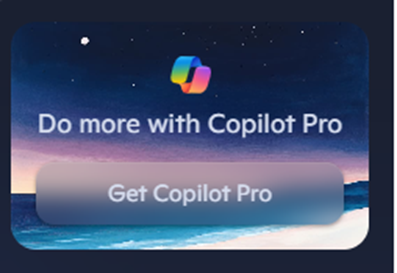
Click on “Subscribe” or “Get Copilot Pro”.
-
You’ll see the pricing (usually $20/month or equivalent in your local currency).
Step 5: Enter Payment Details
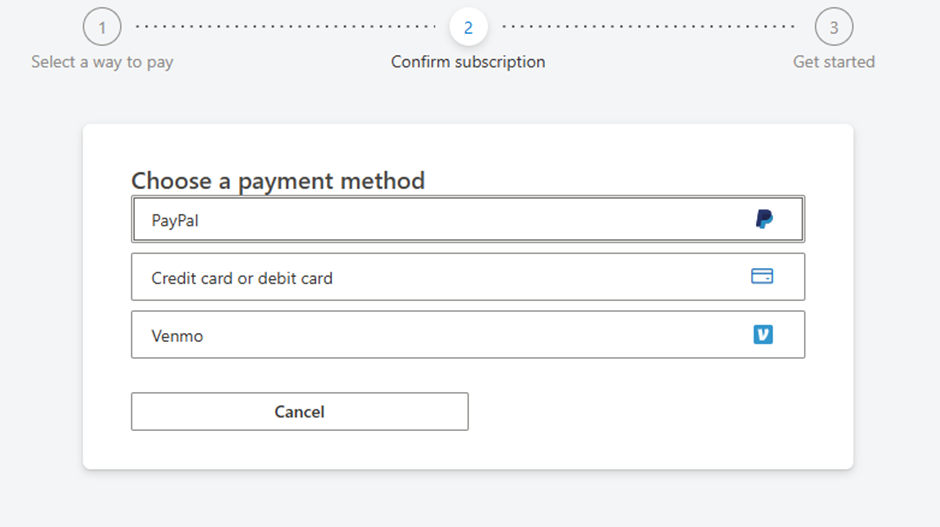
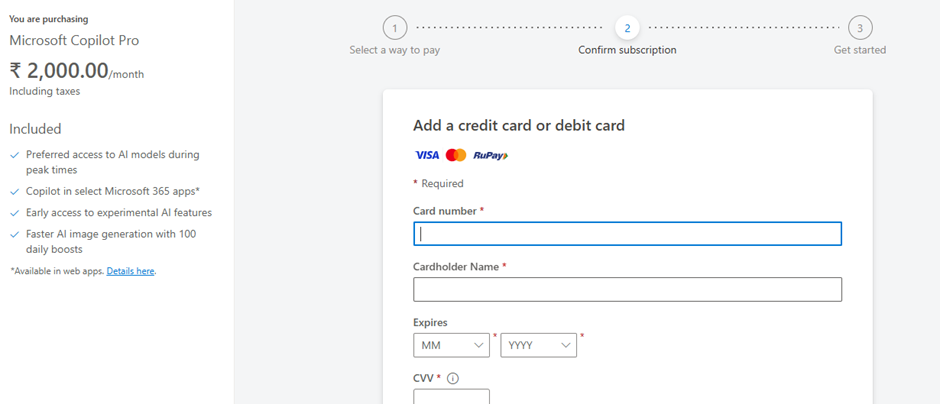
Add your credit/debit card or PayPal information.
Confirm your billing address and click “Confirm” or “Pay”.
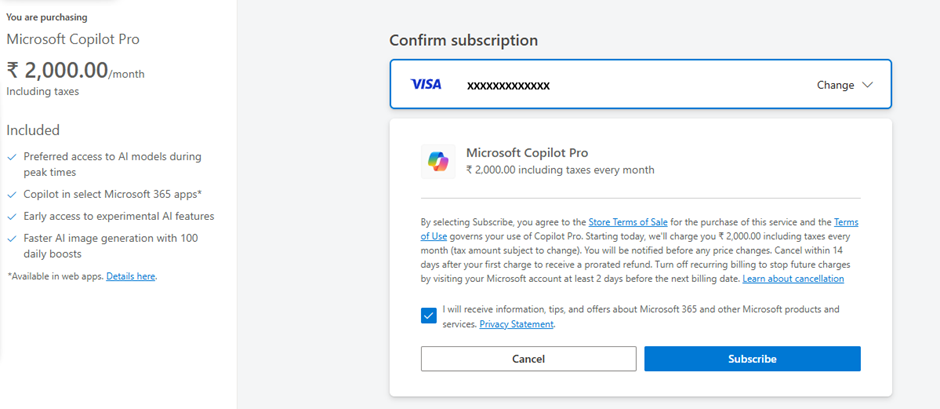
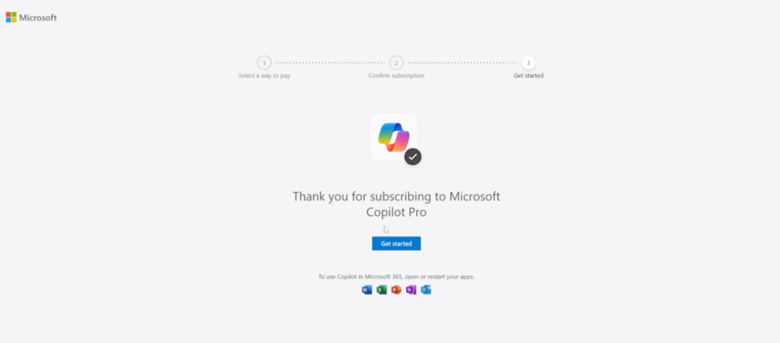
Click 'Subscribe' to complete your subscription to Copilot Pro.
Step 6: Subscription Activated
Once payment is processed:
You’ll receive an email confirmation.
-
Your Microsoft account now has Copilot Pro enabled.
Step 7: Use Copilot in Microsoft 365 Apps
To use Copilot features:
Open Word, Excel, Outlook, or PowerPoint (Office apps must be updated).
Sign in with your subscribed Microsoft account.
Look for the Copilot button or AI assistant inside the app.
You can also use Copilot Pro online at: https://copilot.microsoft.com
Note:
You can cancel anytime from your Microsoft account billing page:
https://account.microsoft.com/servicesMake sure your Office apps are updated for Copilot features to appear.
This subscription does not include Microsoft 365 license — you need to have Office apps installed already.
It’s that simple. No additional downloads, no steep learning curve.
If you’re looking to stay ahead in a world where time is your most valuable resource, it’s time to invite Copilot into your everyday life.